Overview
Uboss Call Recording now includes optional Transcription and Sentiment Analysis, transforming recorded calls into valuable business insights.
Available as either manual or automatic processing, this feature allows users to transcribe calls to searchable text and identify emotional tone across conversations, helping businesses improve service delivery, staff performance, and regulatory compliance.
Key Features
Call Transcription
- Converts recorded voice calls into accurate, time-stamped text
- Supports multi-speaker identification
- Enables easy searching, auditing, and training use cases
- Each call has a brief summary of the overall call
Sentiment Analysis
- Detects and categorizes the emotional tone of the call
- Identifies conversations with negative sentiment for review
- Supports proactive intervention and coaching opportunities
Compliance & Security
- End-to-end encryption of all audio and transcript data
- Retention settings configurable to match internal or regulatory policies
Example Use Cases
| Department | Benefit |
|---|---|
| Customer Support | Identify dissatisfaction early and improve service quality |
| Sales | Spot high-performing calls and optimize team training |
| Compliance | Ensure accurate record-keeping and reduce risk |
| Operations | Monitor trends and identify process improvement opportunities |
Flexible Control
- Manual Mode (Default): Transcription and sentiment analysis must be triggered per call
- Automatic Mode: Automatically transcribes and analyses every completed recording based on the the below settings.
Automatic Transcription Settings
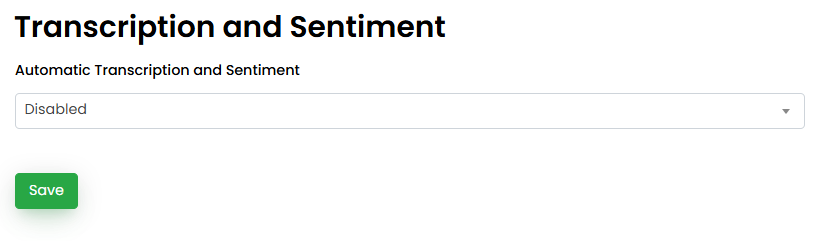
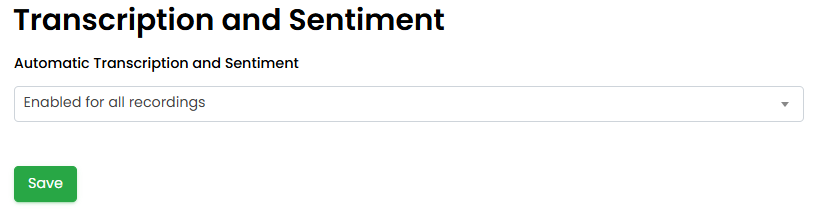
You can enable Automatic Transcription and Sentiment Analysis per business under the Business>settings menu.
There are several options:
- Disabled - no calls will be automatically transcribed
- Enabled for all recordings - every recorded call will be automatically transcribed
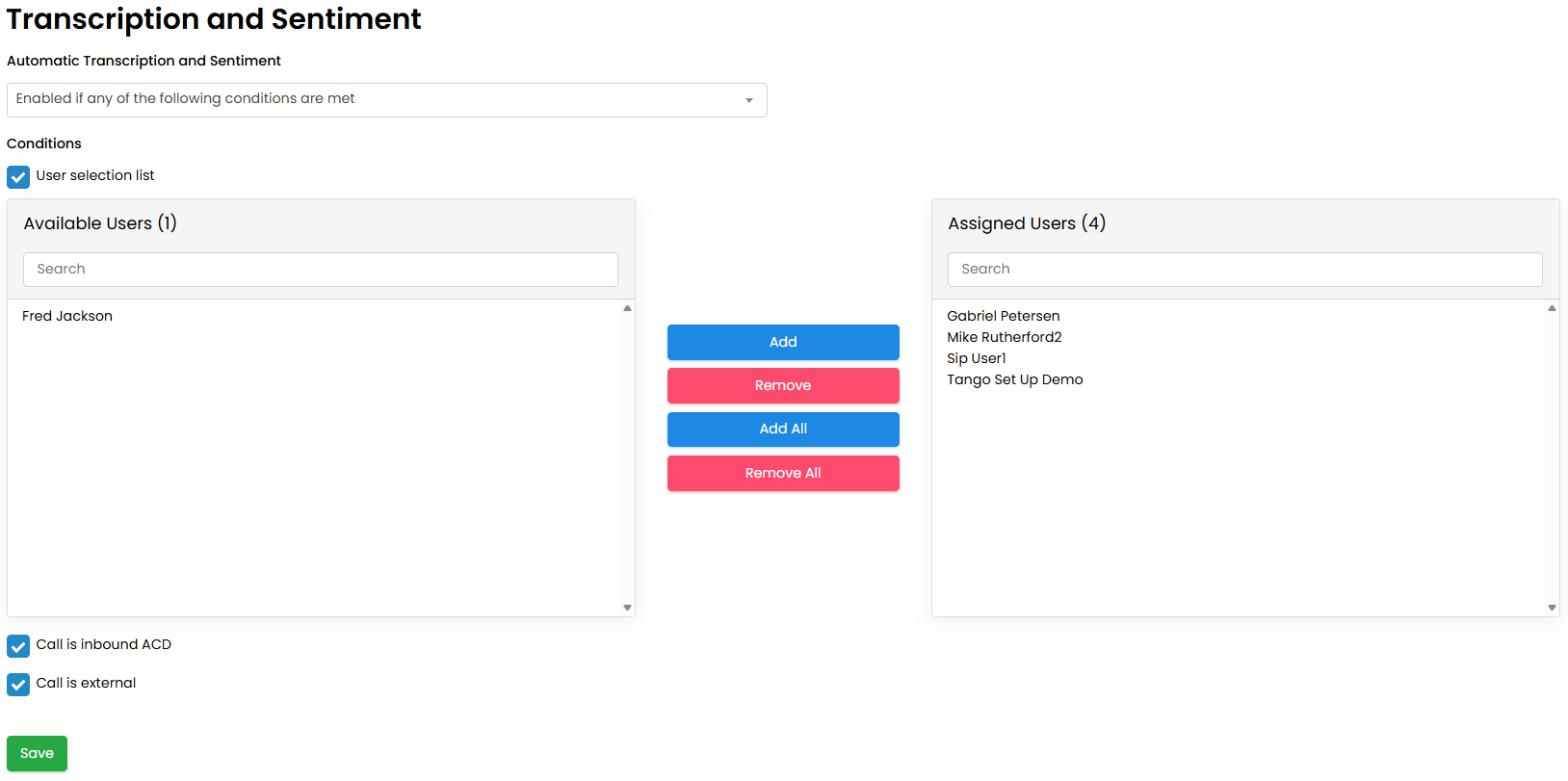
- Enabled if any of the following conditions are met:
a. User Selection List - assign only specific users for automatic transcription. Users that are not selected can still manually transcribe their call recordings.
b. Call is inbound ACD - only transcribe inbound calls that have come into a call centre queue
c. Call is external - only transcribe calls that involve an external caller, internal extension to extension calls will not be automatically transcribed
Note - Multiple options can be selected simultaneously
Transcription Copy Service
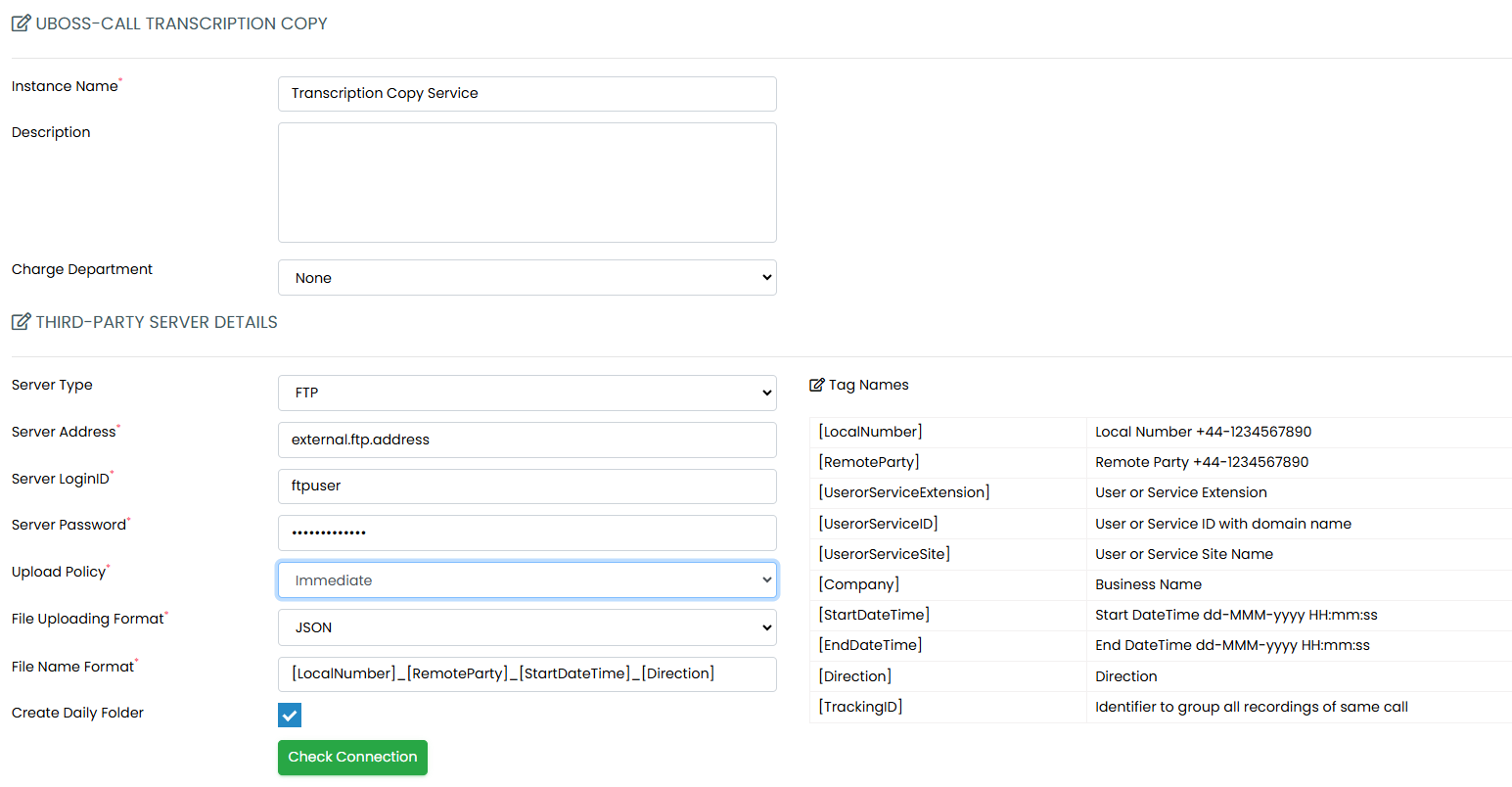
If you wish to store your call recording transcripts in an external location, this is possible via the Transcription Copy Service. This can be added under the Business>services menu.
The various fields are to be completed:
- Instance Name - friendly name for the service
- Description - description of the service(not mandatory)
- Charge Department - assign the service against a department
- Third Party Server Details
a. Server Type - remote server connection type can be FTP,FTPS, FTPES, SFTP, HTTP or HTTPS
b. Server Address - remote server address, can be an FQDN or IP Address
c. Server LoginID - the username for the remote server
d. Server Password - the password for the remote server
e. Upload Policy - the only option is Immediate, the transcripts will be sent as soon as they are available
f. File Uploading Format - can be in either a JSON or TEXT format
g. File Name Format - format for the filename, there are multiple Tags that can be used here to help identify the files. Full details can be found in the table on the right of the Transcription Copy Service page.
h. Create Daily Folder - if enabled Uboss will create a new folder for each day when copying the transcripts.
i. Check Connection - this must be done when adding the service, to check that Uboss can connect to the remote server.
j. Assigned Users - choose which users call recording transcripts should be copied
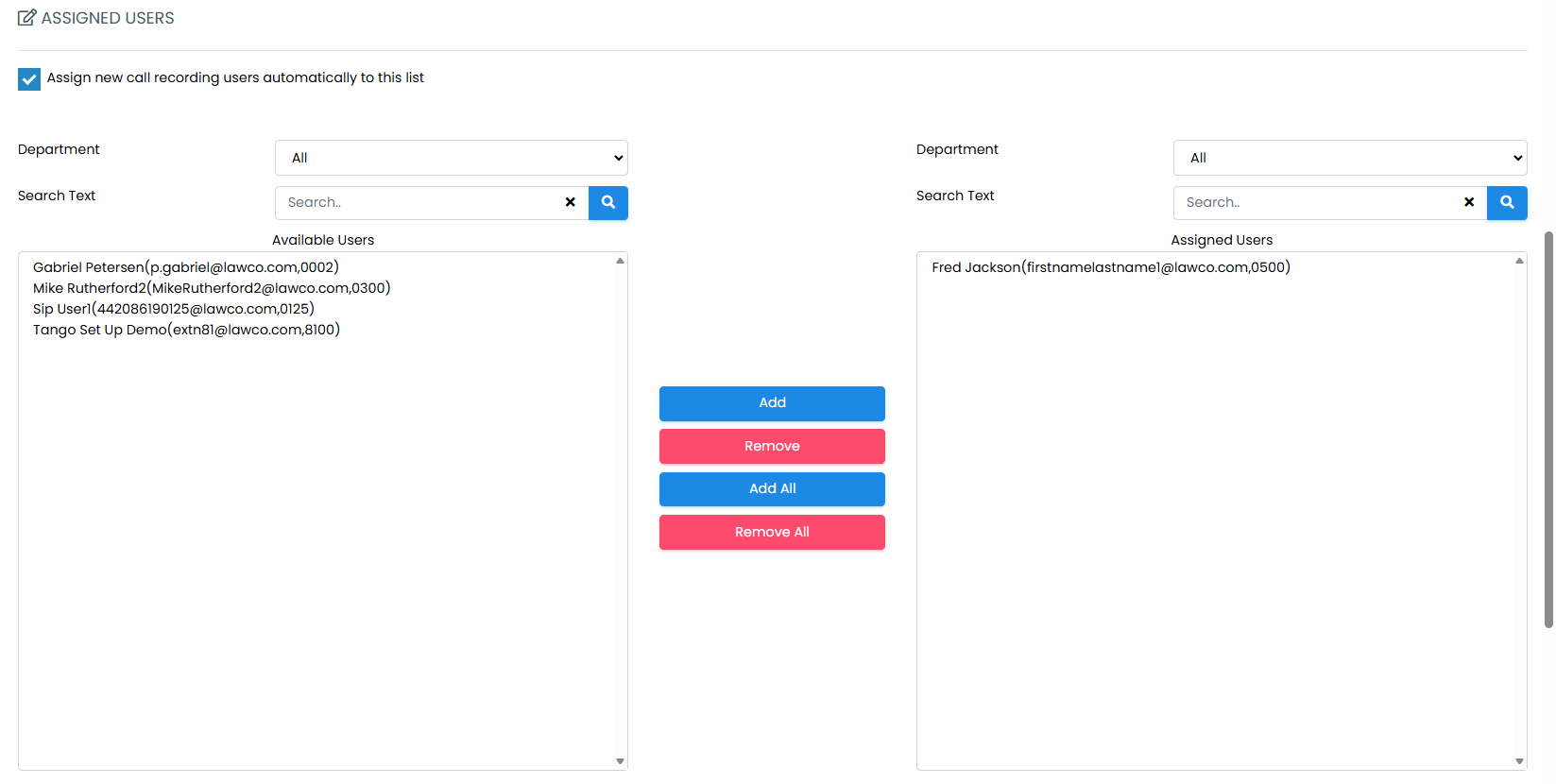
When you save the service you will be presented with the following options on how to handle existing transcripts - a. Do not copy existing files
b. Copy existing files - If “Copy existing files” is selected, two additional sections are displayed.
a. For which users?
o All that exist and have existed
o For selected users
b. From when?
o All available files
o Specific date